Jordan Cameron — AI Asset Hub
total-video skill in Claude Code: every block below is already scriptable.
0 · The results — start here
Everything below this block is an ingredient. This is what the ingredients make. Every clip here was generated from the assets on this page — no camera, no editor, no studio.
total-video skill in one command chain. Zero new images, zero render cost: ~$0.25 of voice.How they're made: voice → section 1 · identity images → section 2 · video routes → sections 4–5 · the explainer method → section 6 · plan your own shots → the shot planner.
1 · Voice — Jordan's clone
Wrh70uw8jFy1g5IViE35 — "Jordan r3B call+broadcast"eleven_v3 · speaker boost on · eleven_multilingual_v2 measurably flattens the NZ accent to generic American (tested, failed). Two settings by job: conversational clips → stability 0.0 (Creative); narration/VO → stability 0.5 (Natural) + an /v1/audio-isolation pass per line — Creative can sound roomy/echoey on narration (found on explainer №1, fixed same day)Generate speech in Jordan's voice — copy, paste, run
curl -X POST "https://api.elevenlabs.io/v1/text-to-speech/Wrh70uw8jFy1g5IViE35" \
  -H "xi-api-key: $ELEVENLABS_API_KEY" \
  -H "Content-Type: application/json" \
  -d '{
    "text": "YOUR SCRIPT HERE",
    "model_id": "eleven_v3",
    "voice_settings": { "stability": 0.0, "use_speaker_boost": true }
  }' --output speech.mp3
Rule of thumb: eleven_v3 for anything client-facing (keeps the accent, expressive). Never eleven_multilingual_v2 for Jordan — it americanizes him.
2 · Images — AI Jordan, ready to use
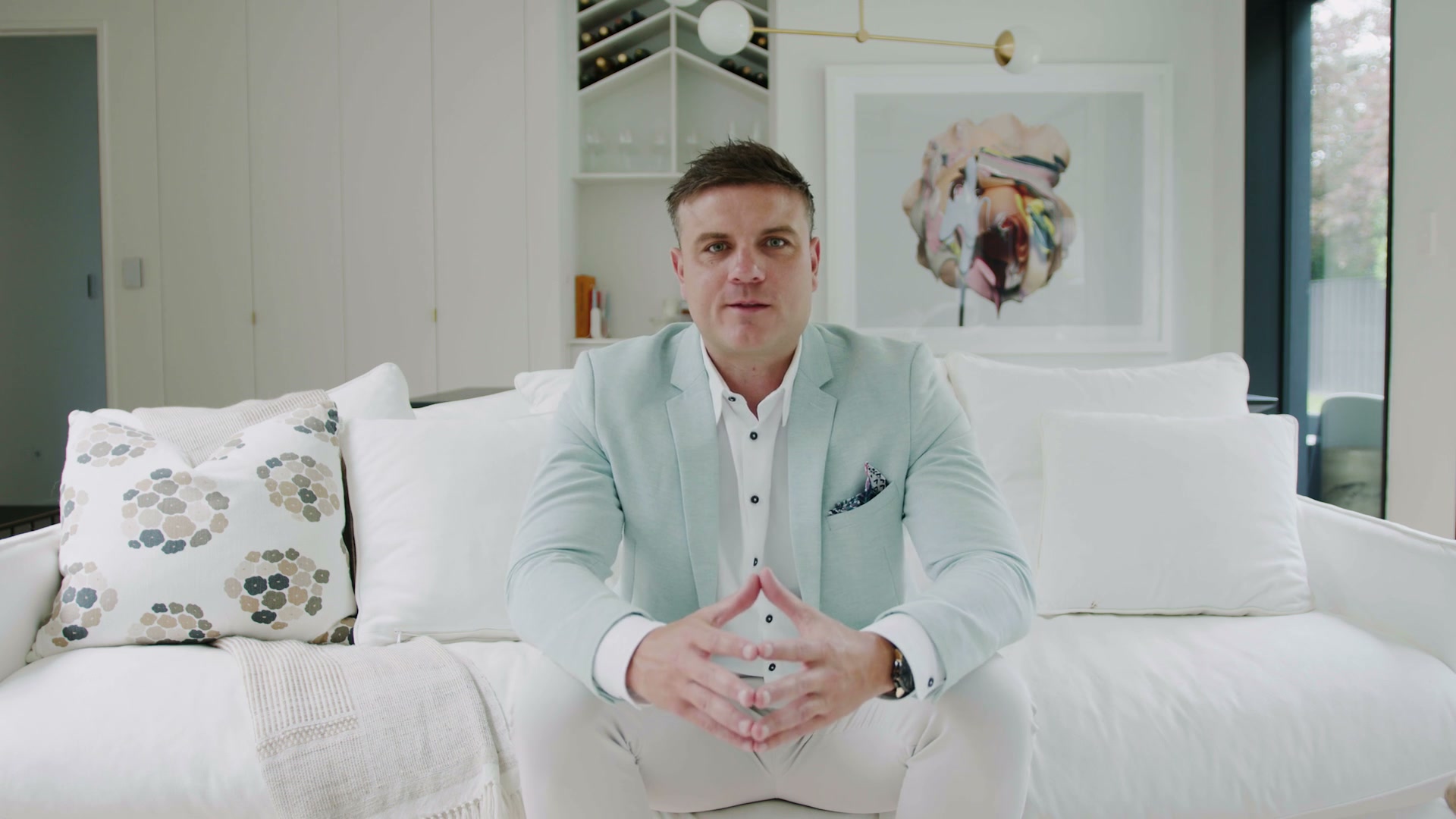
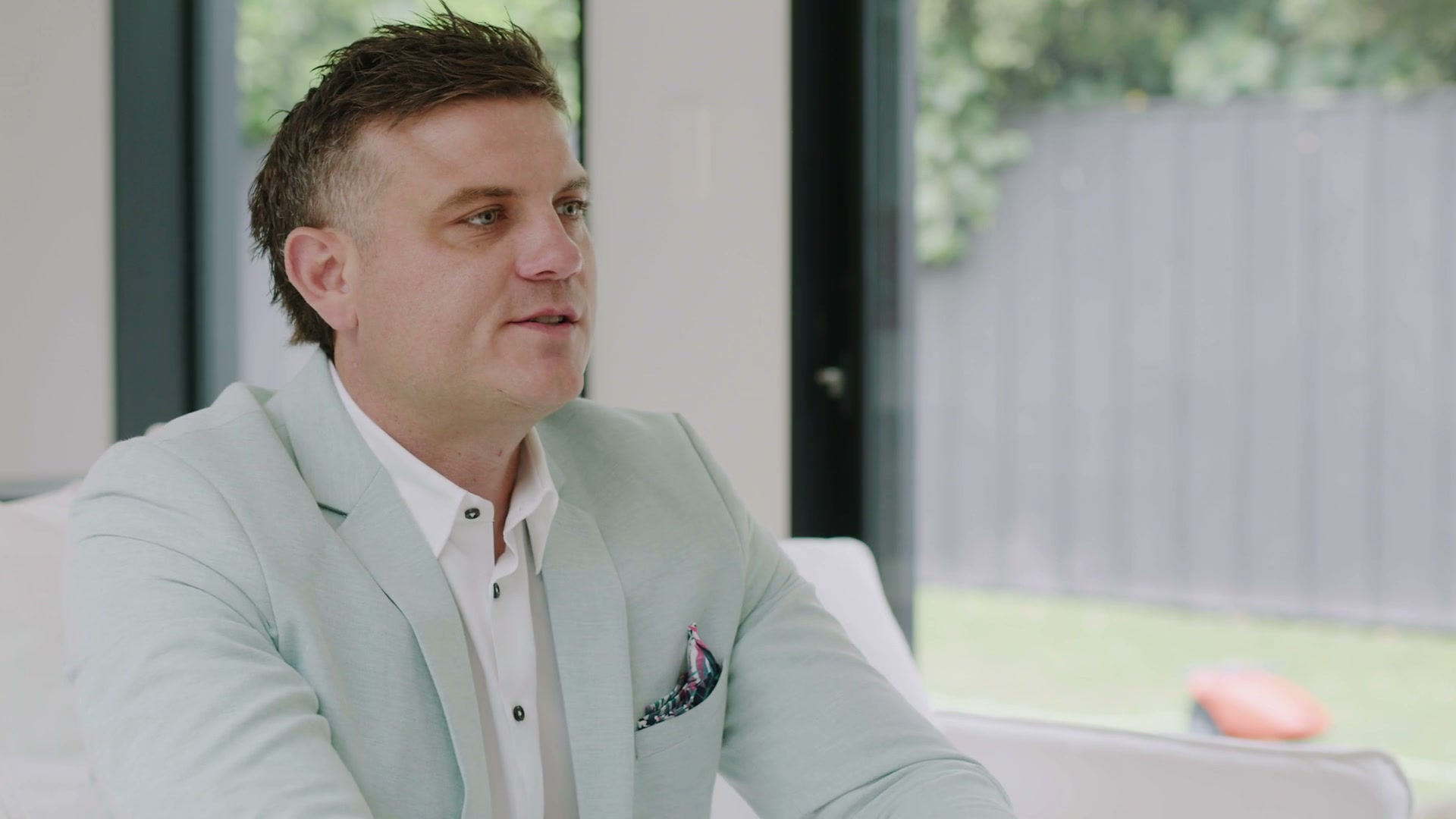
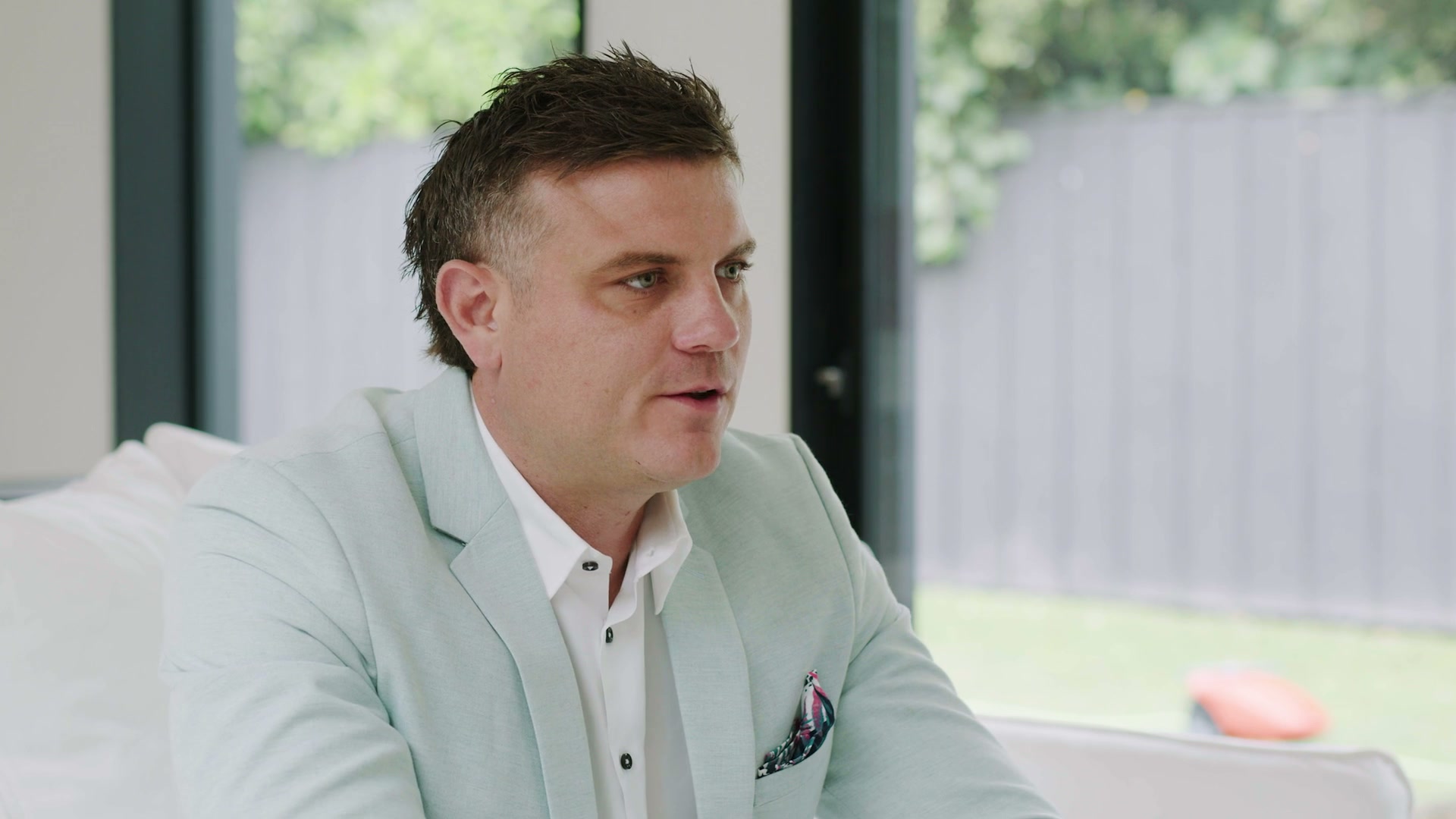
Generated with gemini-3-pro-image (Nano Banana Pro) at 2K, identity-locked to three reference frames from the welcome video. Right-click → save, or copy any of these into ChatGPT/Gemini as the reference for new variations.
Expression rule (v2, locked): Jordan is calm and understated on camera — closed-mouth or gentle natural smile, relaxed brows, composed posture. Never pointing, never a wide toothy grin, never "excited YouTuber." The first-round expressive thumbnails were tested and rejected; every prompt below now carries this constraint.
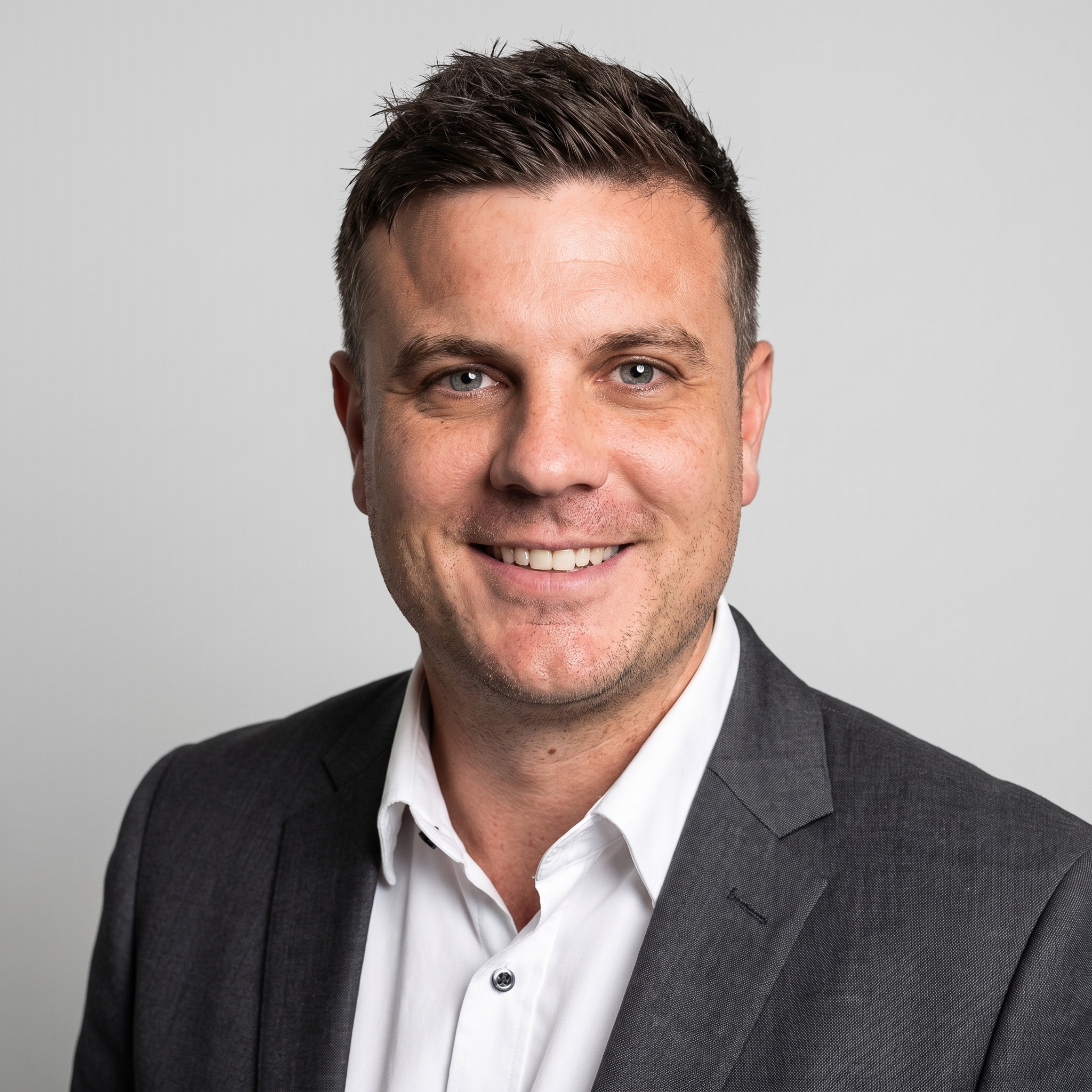



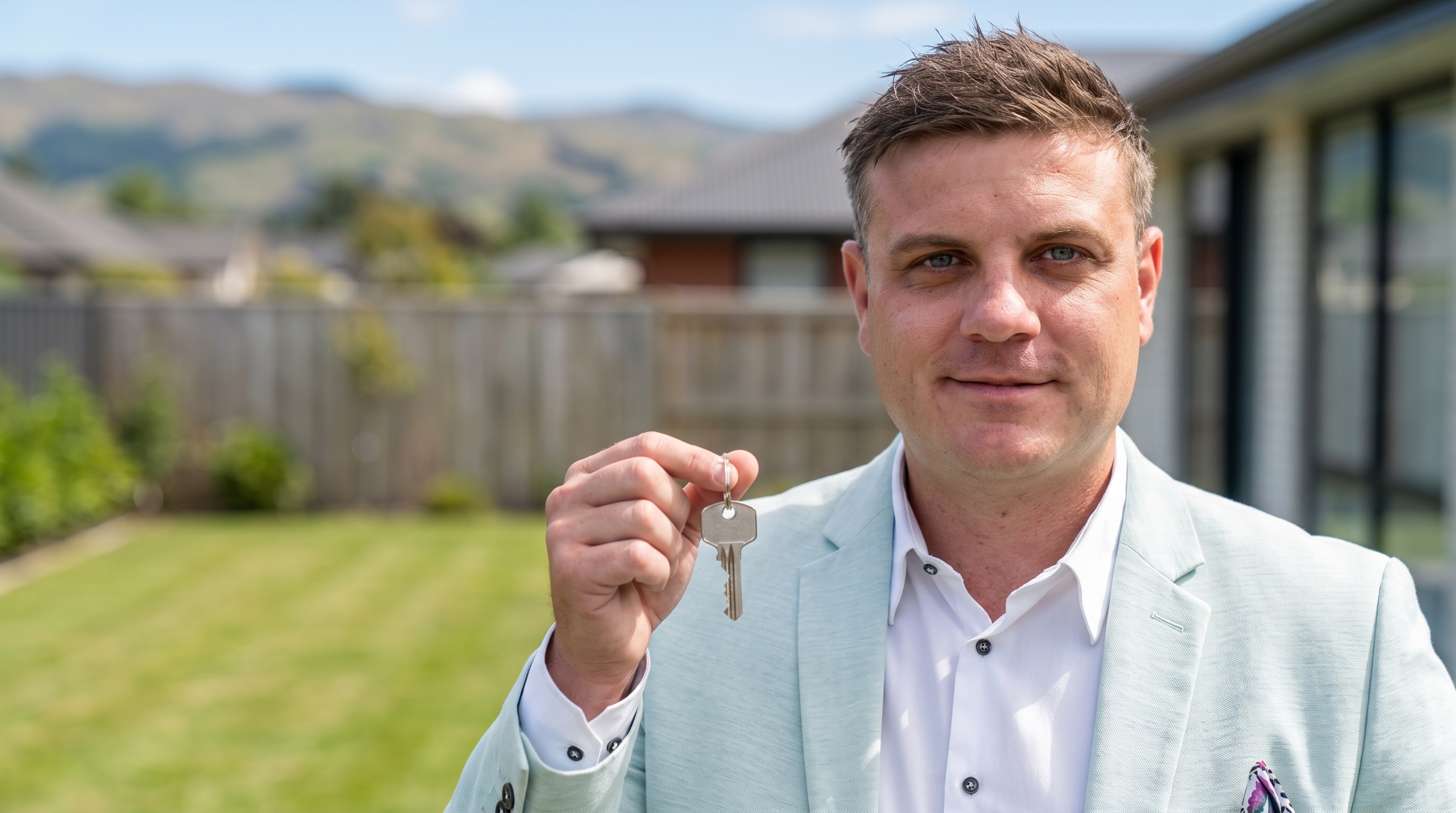
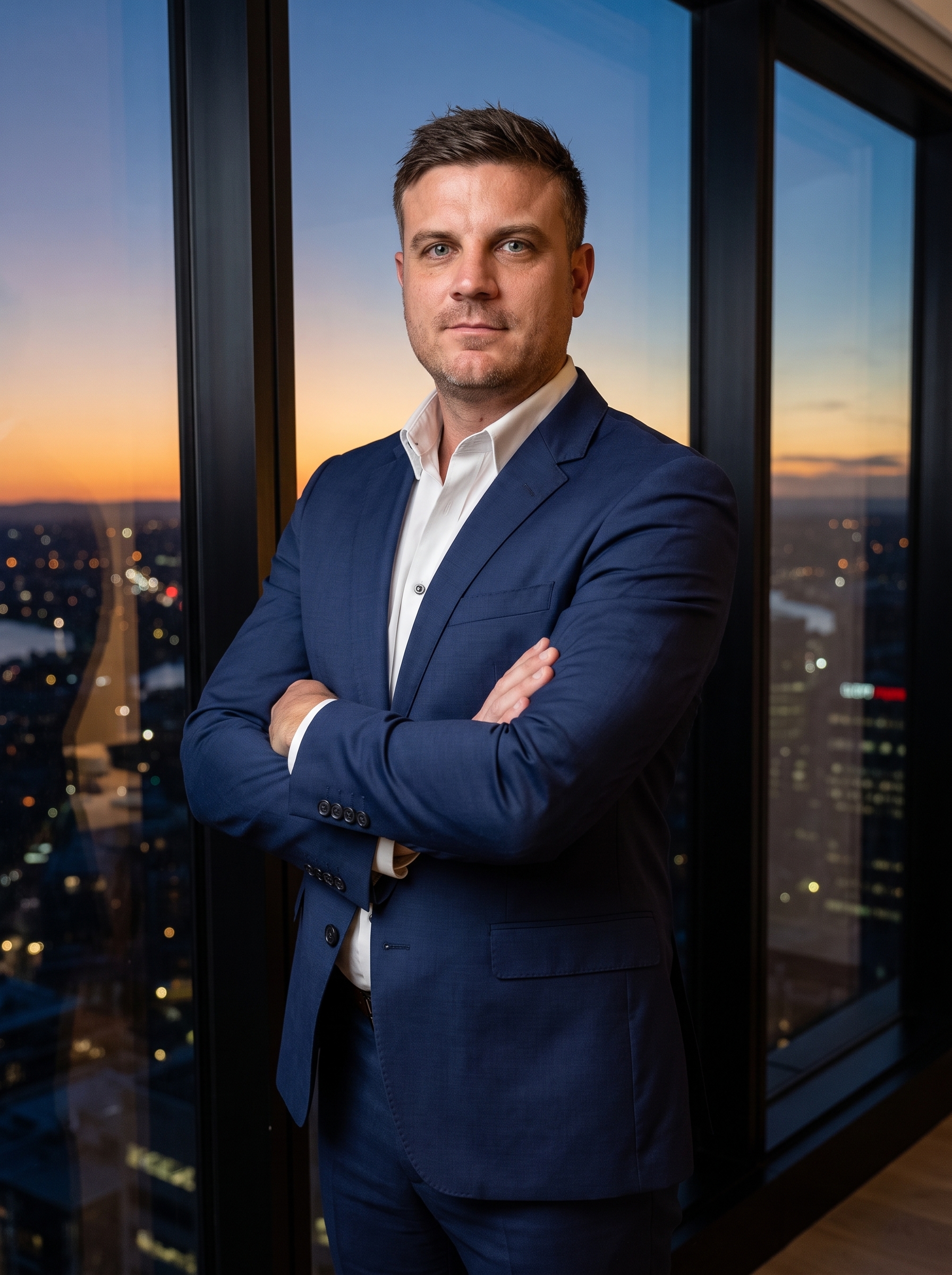
The reference frames (ground truth identity — attach these when generating new images)
Need a fast draft instead of final quality? gemini-3-1-flash-lite-image (Nano Banana 2 Lite) returns in ~4s — good for iterating on composition, not for the final render.
3 · Thumbnail factory — copy-paste prompts
Paste a prompt into ChatGPT (image mode) or Gemini, attach 1–2 reference photos from section 2, fill the {{PLACEHOLDERS}}, hit go. Nano Banana Pro (gemini-3-pro-image) gave the best facial likeness in our testing. The expression rule is already written into each prompt.
Using the attached photos as the exact likeness reference (same man, same face), create a YouTube thumbnail, 16:9, 2K: he stands waist-up on the LEFT third, arms loosely folded, calm assured closed-mouth smile, looking straight at camera — composed, never exaggerated. Right two-thirds a clean deep navy (#003F5E) studio backdrop where the headline "{{TEXT ON THUMBNAIL}}" appears in huge white sans-serif. Crisp key light, premium and calm, high contrast but tasteful.
Using the attached photos as the exact likeness reference, create a 16:9 social banner: he sits at a modern desk reviewing mortgage documents, warm natural light, subtle relaxed smile with mouth closed. Overlay the title "{{VIDEO TOPIC}}" in clean bold type on the upper right with plenty of breathing room. Total Mortgages brand feel: electric blue (#1421FF), deep navy, white, warm neutrals. Photorealistic, editorial quality, quiet confidence.
Using the attached photos as the exact likeness reference, create a 16:9 thumbnail: he holds a single house key at chest height with a small warm closed-mouth smile, blurred sunny New Zealand home exterior behind him, left third kept clean where the text "{{TEXT ON THUMBNAIL}}" appears in massive bold white-on-navy type. Professional finance-brand grade, natural colors, composed energy — not salesy.
4 · Video — the six production routes
Different jobs need different models. Prices and model IDs are exact — this table is the menu.
| Route | Exact model | Cost | When to use it | Status |
|---|---|---|---|---|
| Re-drive real footage (lipsync) | fal-ai/sync-lipsync/v2 · fal-ai/sync-lipsync/v3 |
$3/min = $0.05/s | Personalized client messages on the existing agency shoot — keeps the production quality, changes the words | PROVEN |
| AI B-roll engine (image/video → video) | gemini-omni-flash-preview (Gemini Omni Flash) |
$0.10/s = $0.80 per 8s | New camera moves and scenes manufactured from a single frame of the real shoot — intros, walkthroughs, B-roll. Full breakdown in section 5. | PROVEN TODAY |
| Cinematic scene generation | veo-3.1-generate-preview (Google Veo 3.1) |
~$3.20 per 8s = $0.40/s | Highest-fidelity generated scenes. CAVEAT its native audio invents its own soundtrack — wrong for personal videos. Prompt "ambient only" or strip audio and lay Jordan's voice in post. | DEMO BELOW |
| HeyGen precision lipsync | fal-ai/heygen/v3/lipsync/precision |
unlisted | Quality-first alternative for re-driving footage — no HeyGen subscription needed, served via fal | TEST NEXT |
| Digital twin (no camera, new scenes) | fal-ai/heygen/avatar5/digital-twin — Avatar 5 |
$0.10/s | Brand-new talking videos with no source footage. Needs a one-time training shoot. | ENGAGEMENT |
| High-volume cheap tier | fal-ai/kling-video/lipsync/audio-to-video |
$0.014/s (~$0.45/clip) | Mass-personalized sends (every client, every stage) if quality holds at volume | BENCH LATER |
fal-ai/sync-lipsync/v2 · ~$1.50/30s.gemini-omni-flash-preview · $0.80. This shot was never filmed.veo-3.1-generate-preview · $3.20.5 · The B-roll engine — Gemini Omni Flash, explained
This is the newest capability on the page and the biggest unlock for Total. gemini-omni-flash-preview is Google's new any-to-video model (announced alongside Nano Banana 2 Lite). It runs on Google's new Interactions API — the classic API rejects it — and it accepts almost any combination of inputs:
| You give it | You get back | What that means for Total |
|---|---|---|
| Text only | A new scene from words | Generic B-roll: suburbs, house exteriors, paperwork close-ups |
| One image + direction | Video that starts on your frame | Proven today: one frame of the welcome shoot → Jordan walks through the house. Every intro/outro can be manufactured from stills. |
| Two images + direction | Video that travels from frame A to frame B | The shot-planner primitive: pick a start and end still, the model builds the camera move between them |
| Reference image(s) | That person/product carried into any scene | Jordan placed in scenes that were never filmed — new offices, listings, seasons |
| A real video ≤10s + direction | An edited version of that video | Restyle or extend the existing agency footage itself |
| A previous generation + note | A revision, turn by turn | "Same shot, slower camera, warmer light" — edit like a conversation, no re-prompting from scratch |
Three limits, found by testing: voice-sample audio conditioning is "coming soon" (the model invents a voice for scripted dialogue — for Jordan's real voice, use section 1 + the lipsync route) · real-video-upload edits are geo-restricted in the EEA/UK and some US states (empty result, not an error) · extreme costume changes break single-reference identity — but this one has a fix: attach all three reference frames and anchor the wardrobe in the prompt. Fail-and-fix pair below. Room transformations, camera moves and scene extensions all held identity even single-ref.
Proven by demo — nine shots · 76 seconds · $7.60 all-in
whisper-1 — matches the script exactly. Delivery prompt carries the reserved rule: hands still, no grinning, newsreader energy. Voice is model-invented (see limits) — swap in the section-1 clone via lipsync for production. 10s · $1.00.Plus the couch-to-window walk in section 4. Dialogue and snap are second-round takes: the first versions read too animated for Jordan, so the prompts now carry an explicit reserved-delivery block ("does NOT grin, minimal hand movement, not animated") — same rule as the section-2 images, and it works just as well in video.
The identity boundary — found, then fixed, same day
🎬 The shot planner is live → shot-planner.html — storyboard shots from any stills (listings, office, the refs above), pick single-frame / two-frame / text-only mode per shot, watch the per-shot and board cost update live, then copy the exact batch JSON that generate_video.py renders. Plan the whole intro sequence, see the price, then spend.
Run it yourself — Google's official skill scripts
# one-time: clone google-gemini/gemini-skills → skills/gemini-omni-flash-api
# needs: pip install "google-genai>=2.10.0" && export GOOGLE_API_KEY=...
python video/generate_video.py \
  "The man from the reference image rises from the white couch and walks slowly \
to the large window, camera follows in a smooth arc from front to profile. \
Soft natural daylight, calm ambient room tone only, no speech, no music." \
  --image images/refs/jordan_ref_4s.jpg \
  --aspect-ratio 16:9 --duration 8 \
  --output broll_couch_to_window.mp4
# model: gemini-omni-flash-preview · Interactions API · $0.10 per second of video
Also available via fal (fal-ai/gemini-omni-flash) — we buy it from Google direct: faster in our testing and one fewer intermediary. Prompt discipline: always say "ambient room tone only, no speech, no music" unless you want the model inventing a soundtrack.
6 · Explainer route — Vox-style motion graphics
Not every video needs Jordan's face on camera. For educational content — "What the OCR cut means for your fixed rate", "First-home buyer, step by step" — the highest-trust format is the Vox-style animated explainer. Explainers №1 and №2 are done:
total-video skill. The whole VO in one script: speak(text, {mode:"narration"}) per beat — the de-echo recipe is now the default, not a fix. Same visual system, same cutouts (reused, $0 new images) · numbered step badges, coin stack, pre-approval card, house-hunt magnifier, fixed/float bars, settlement key · narration machine-verified two-pass (whisper-1 full render + isolated-beat re-check). ~$0.25 total — voice only. Proof the pipeline is now a product: topic in, master out.The method behind it (proven by motion designers working entirely in Claude Code + Remotion) — reproducible for any topic with the assets already on this page:
- Script = the timeline. Write the voice-over first, as a table: each VO beat gets a row with its foreground asset, midground asset, and the image prompt that creates them. The narration drives everything.
- Lock the visual system. One shared background across every scene, one font, one accent palette — for Total that's already decided: navy
#003F5E, electric blue#1421FF, white. A locked background makes cuts feel like one continuous shot. - Three layers per scene. Static background / midground cutouts (people, landmarks — converted to a print-style halftone treatment by prompting Nano Banana: "make this black and white with a halftone pattern") / foreground props (houses, charts, numbers). One folder per scene.
- Animate in plain English. No After Effects, no keyframes: tell Claude Code "the house springs up first, then Jordan's cutout, staggered — give each cutout an offset electric-blue marker stroke behind it." It translates to Remotion's
spring()andinterpolate(). - Fine-tune with prop controls. Ask for a Remotion Studio prop control on every element — then drag scale/X/Y live and save the numbers. No re-rendering to reposition.
- Assemble to the voice. Generate the VO with Jordan's clone (section 1), then: "embed the voice-over and sequence the scenes to it — each scene starts and ends on its own narration line."
- Polish and render. Music + light foley last, then "render the whole thing as 1080p MP4." Scrubbing audio sounds jerky in Studio; the render is clean.
The economics, now measured instead of estimated: the explainer above cost ~$0.80 in API calls including a full voice-revision round — three gemini-3-pro-image halftone cutouts (~$0.13 each) + two passes of eleven_v3 VO + an audio-isolation cleanup + a free local Remotion render — script-to-master in under an hour, revision included. The same asset from a motion-design agency is $2–5K and a two-week turnaround. This is the highest-leverage content format on the page.
7 · Price sheet — what a video actually costs now
Exact models, exact unit prices, and what a typical asset comes to. This is the whole menu on one card.
| Asset | Exact model | Bought from | Unit price | Typical cost |
|---|---|---|---|---|
| 8s AI B-roll shot | gemini-omni-flash-preview | Google direct | $0.10/s | $0.80 |
| 8s cinematic scene | veo-3.1-generate-preview | Google direct | ~$0.40/s | $3.20 |
| 30s personalized message (re-driven real footage + voice) | fal-ai/sync-lipsync/v2 + eleven_v3 | fal + ElevenLabs | $0.05/s + ~$0.10/script | ~$1.60 |
| 30s digital-twin video | fal-ai/heygen/avatar5/digital-twin | fal | $0.10/s | $3.00 |
| 30s mass-send clip | fal-ai/kling-video/lipsync/audio-to-video | fal | $0.014/s | $0.42 |
| Identity image, 2K | gemini-3-pro-image (Nano Banana Pro) | Google direct | ~$0.13/image | $0.13 |
| Draft image, ~4s turnaround | gemini-3-1-flash-lite-image (NB 2 Lite) | Google direct | fraction of Pro | drafts only |
| 50–60s Vox-style explainer | Remotion + the rows above | local render | assets only | $0.80 measured, revision incl. (section 6) |
Read it like this: a month of content — 4 personalized client messages, 2 explainers, an intro B-roll pack of 6 shots — is about $15 of compute. The scarce input is now the script and the taste, not the production.
8 · The pipeline — how the assets combine
eleven_v3, CreativeWhere this ends up: a total-video skill in Jordan's Claude Code. Every block on this page is an API call that already works — the skill file just chains them. This page is the spec.
9 · Next assets to add
| # | Asset | Needs | Status |
|---|---|---|---|
| 1 | Production voice (PVC) under Jordan's own ElevenLabs account | 30+ min audio (have 8.8 min clean + 13 more call recordings to mine) + Jordan's verification | READY TO START |
| 2 | Shot planner — costed storyboard from stills → batch render JSON · shot-planner.html | — | BUILT |
| 3 | Vox-style explainers — №1 "Fixed vs Floating" + №2 "First home. Five steps.", both in section 6 | Next topics on request — marginal cost ≈ the narration (~$0.25) | SHIPPED |
| 4 | Digital-twin avatar (Avatar 5) — talking videos with zero source footage | One training shoot or consented footage set | ENGAGEMENT |
| 5 | Personalized video template ("Hi {{FirstName}}") wired to Total CRM stages | Voice sign-off + CRM trigger mapping | PHASE 2 |
| 6 | total-video skill file (the whole pipeline as one command) — voice (clip + de-echoed narration), Omni shots with the calm-demeanor rule and identity lock baked in, word-level verification, explainer timings | — | BUILT |